Imagine manipulating requests to your site without a web server instance? Running A/B tests, redirecting traffic without editing a line of Apache or Nginx. These are just some of the qualities of edge computing.
Edge Computing and Workers
It's a term for scripts that run close to the client that made the request. Cloudflare was the first company to launch this strategy back in 2017, and since then other companies support this hosting and development model. The main benefits are:
- Performance: because responses happen near the client's geography, load time drops below 50ms!!
- Value: there's a free tier for a Cloudflare Worker that covers many use cases, and if you need to pay it starts at just $5/month
- Ease: all you need is JavaScript! Request manipulation uses the same Web Worker API browsers already use — no more worrying about web servers.
Example: Redirecting a subdomain to routes
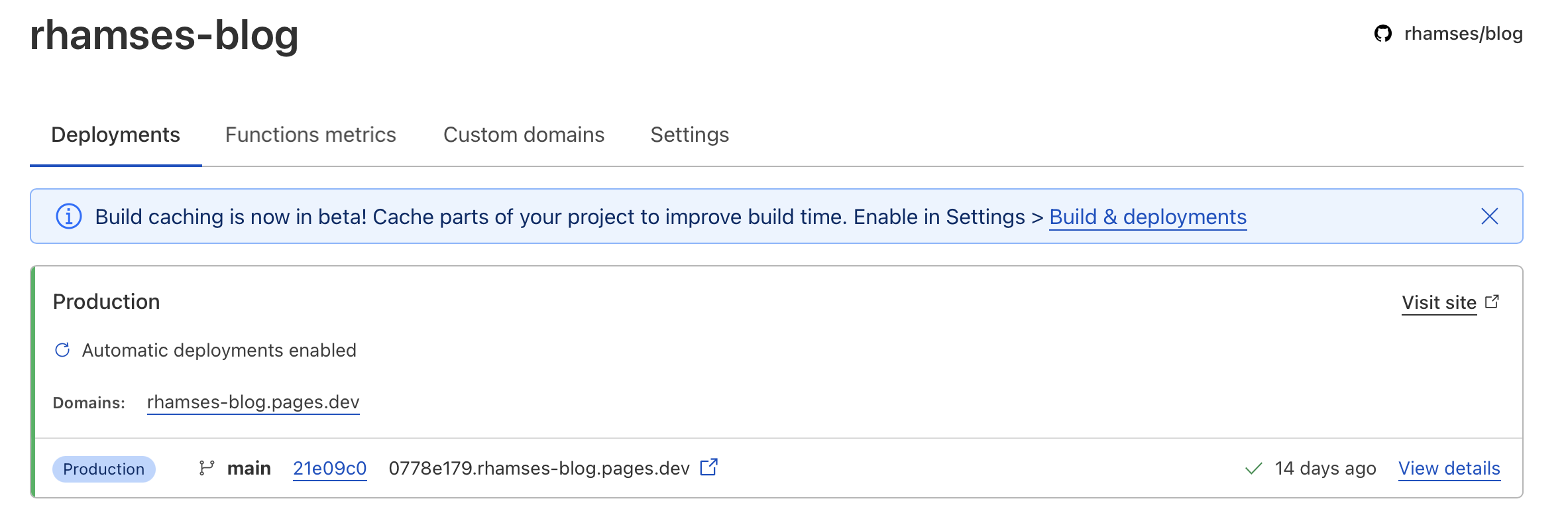
A good custom example I needed was creating the route for this blog! Originally the address was a Cloudflare subdomain rhamses-blog.pages.dev but I wanted it accessed via rhams.es/blog
Creating a Cloudflare Pages instance
The first step was creating an instance on Cloudflare Pages. The blog was originally hosted on netlify.com but for stack compatibility I moved everything to Cloudflare. Creation is practically the same — link your GitHub profile or upload the final files directly.
Creating a Service Worker for redirection
Now we get to the point! To create a service worker we write JavaScript following the Web Worker API conventions.
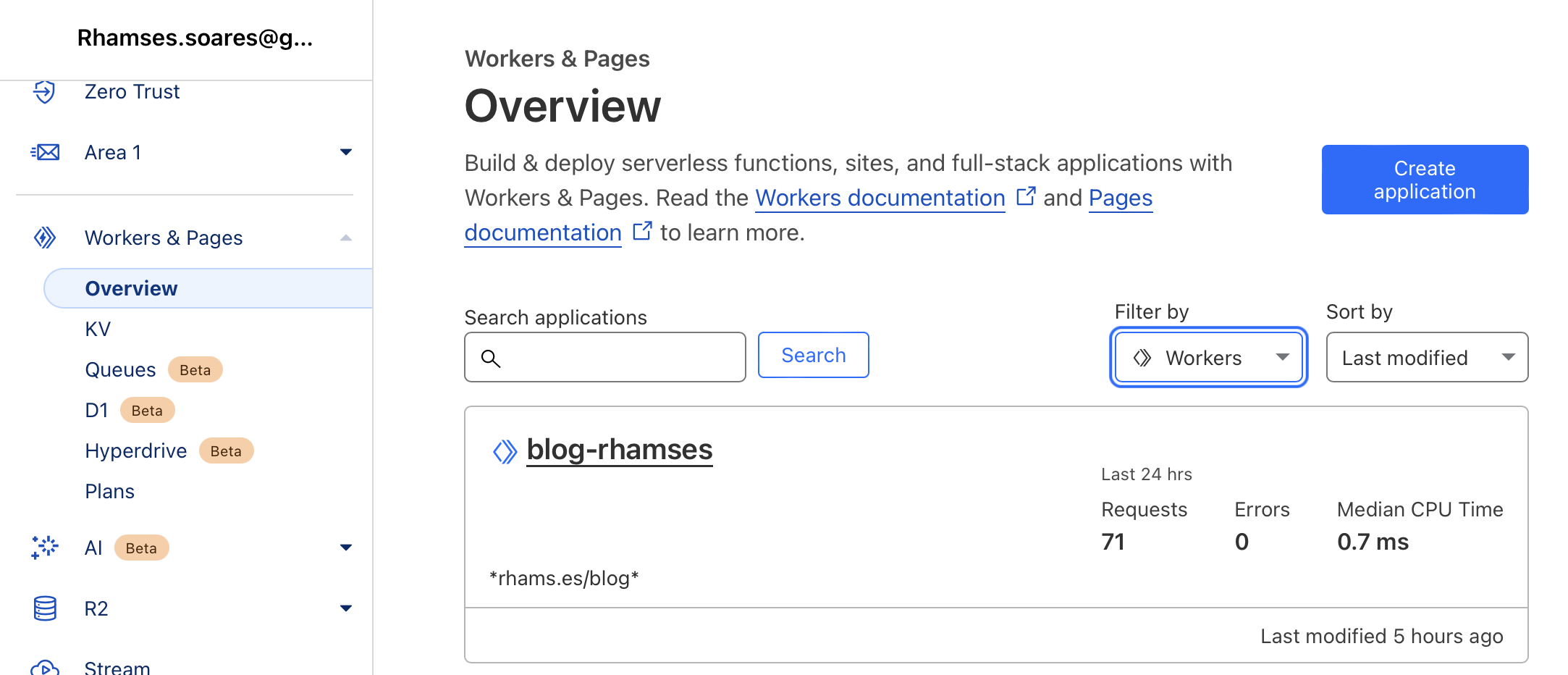
The worker code intercepts requests and rewrites paths so rhams.es/blog serves content from the Pages deployment. See the full post images for step-by-step screenshots of the dashboard and final configuration.